How to Order
Order in 4 Simple Steps
Download the app, set up your child’s school note, pick a date & meal type, and checkout.
-
Download the MealBets app and create your account.
- In Account > Meal Notes, add a note and select the school for each student. Use Grade - Teacher's Name - Child's Full Name (e.g. G3-MsBrown-JackLin), then tap Confirm.
-
Return to Home and choose a lunch day:
- Select the school (or camp) tab.
- Choose Your Child's Note and School to view available dates.
- Pick a date, then select a meal (check photos, ingredients, dietary restrictions).
- Choose a size and option; pricing updates automatically.
Examples for Asian Flavour and World's Cuisine:
- XS: Approximately 260g, recommended for JK~SK
- Small: Approximately 350g, recommended for G1~G3
- Large: Approximately 450g, recommended for G4~G8
- XL: Approximately 550g, recommended for G9~G12
- Add to cart and pay. Review My Orders to confirm everything is correct. If anything looks wrong, let us know ASAP.
Important
Order Cutoff
Orders or cancellations must be submitted or canceled by 2 PM the day before the latest delivery date. Orders cannot be manually processed or canceled after this time.
Customer Service
Need Help?
Menu
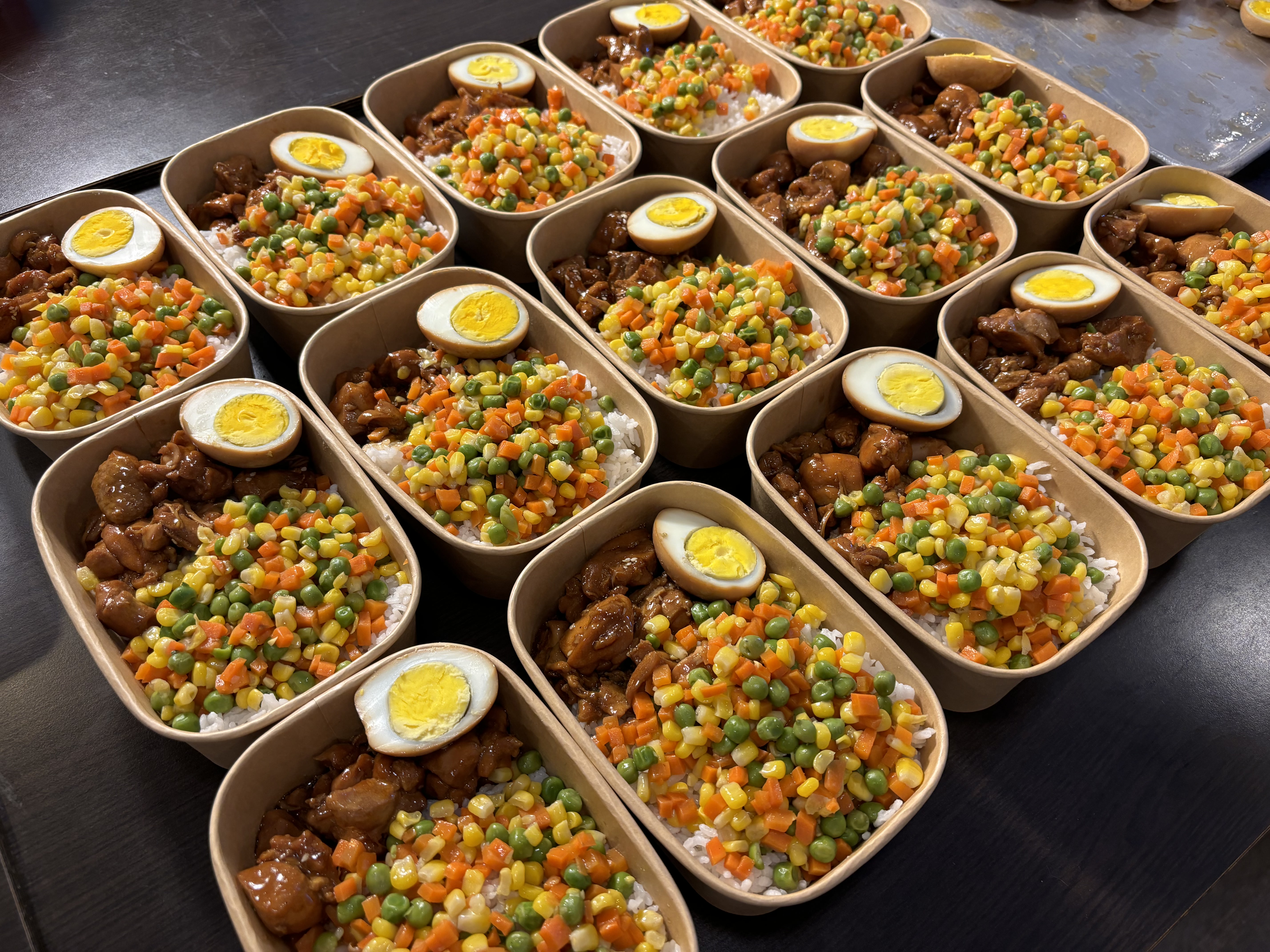
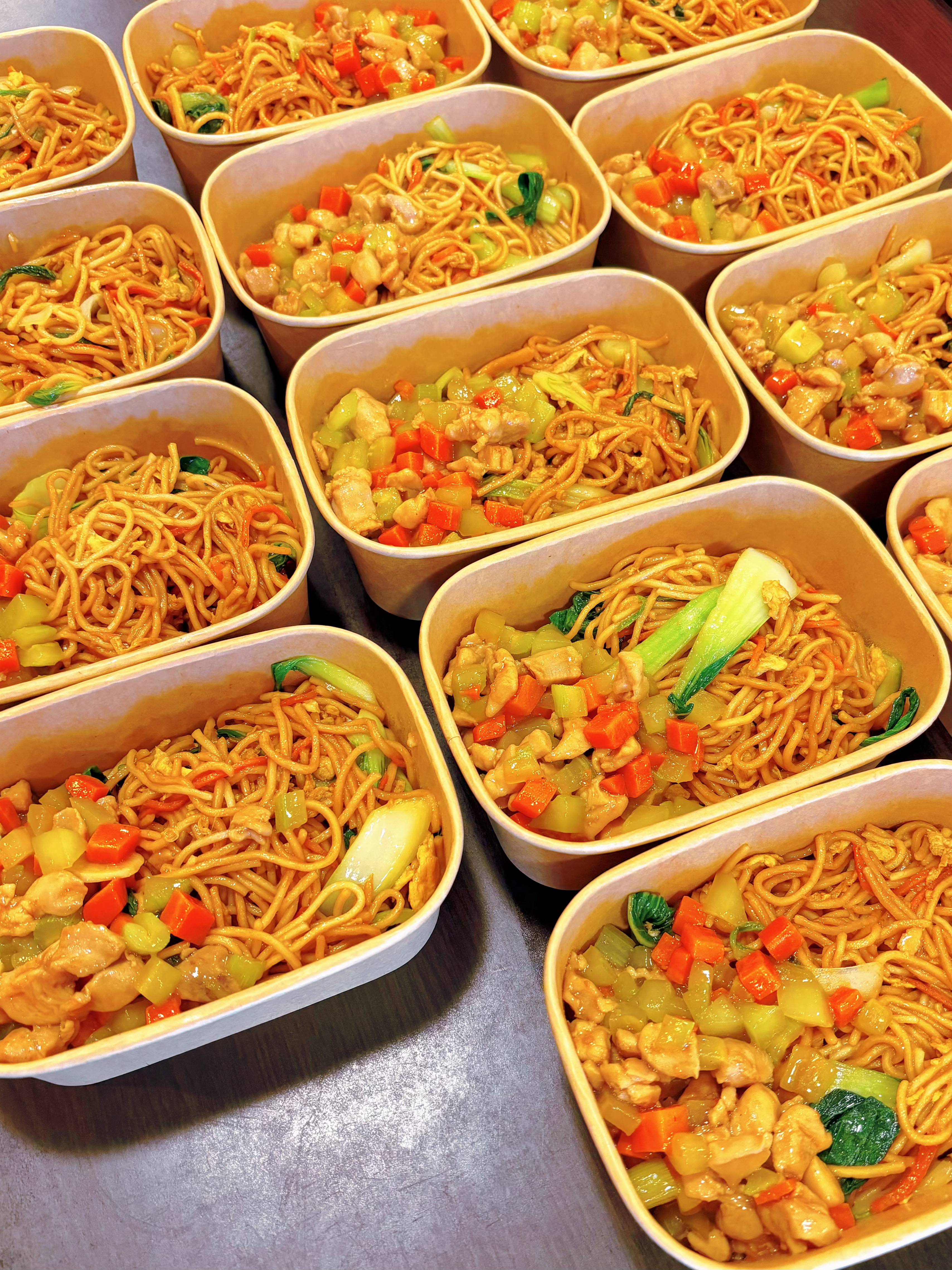
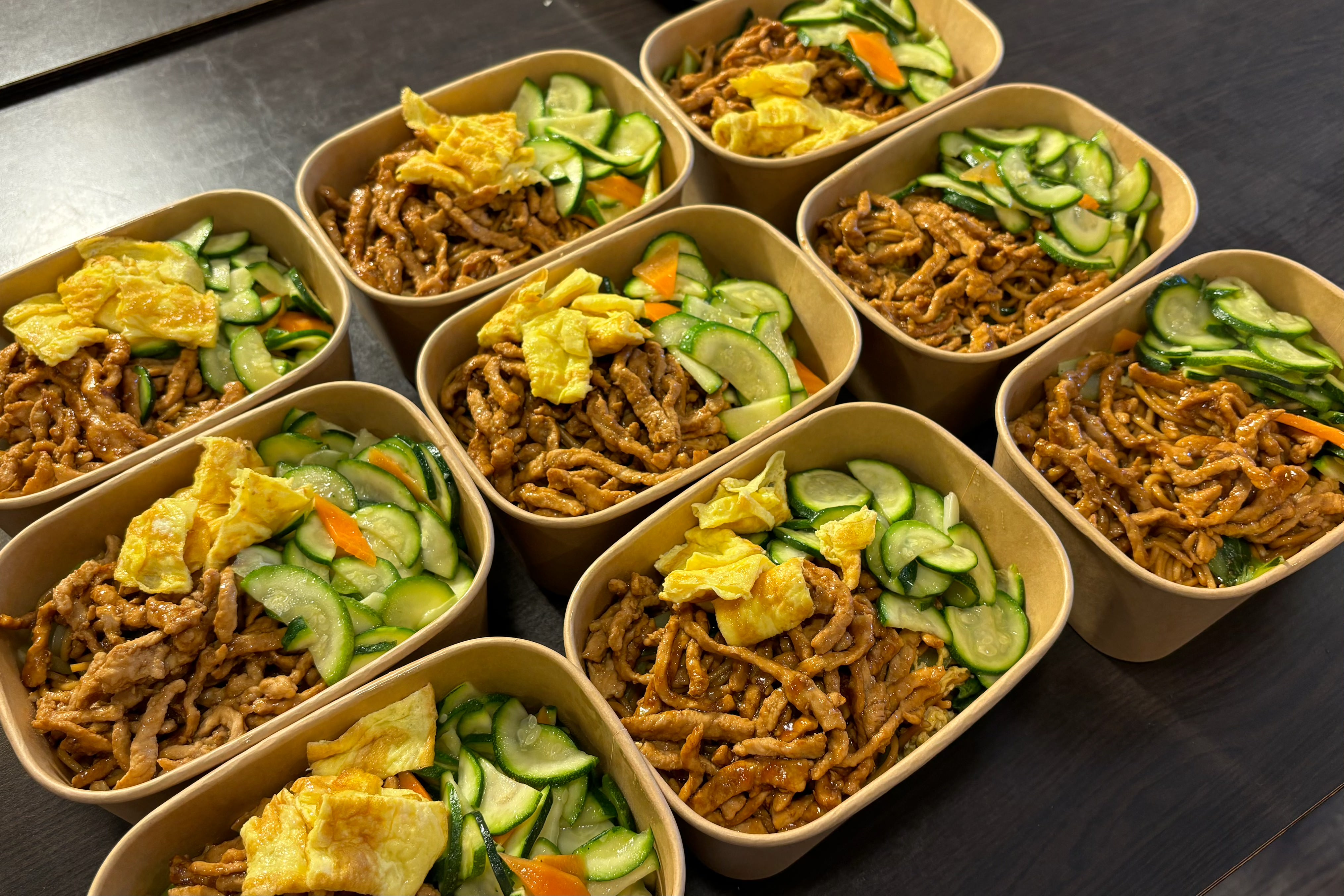
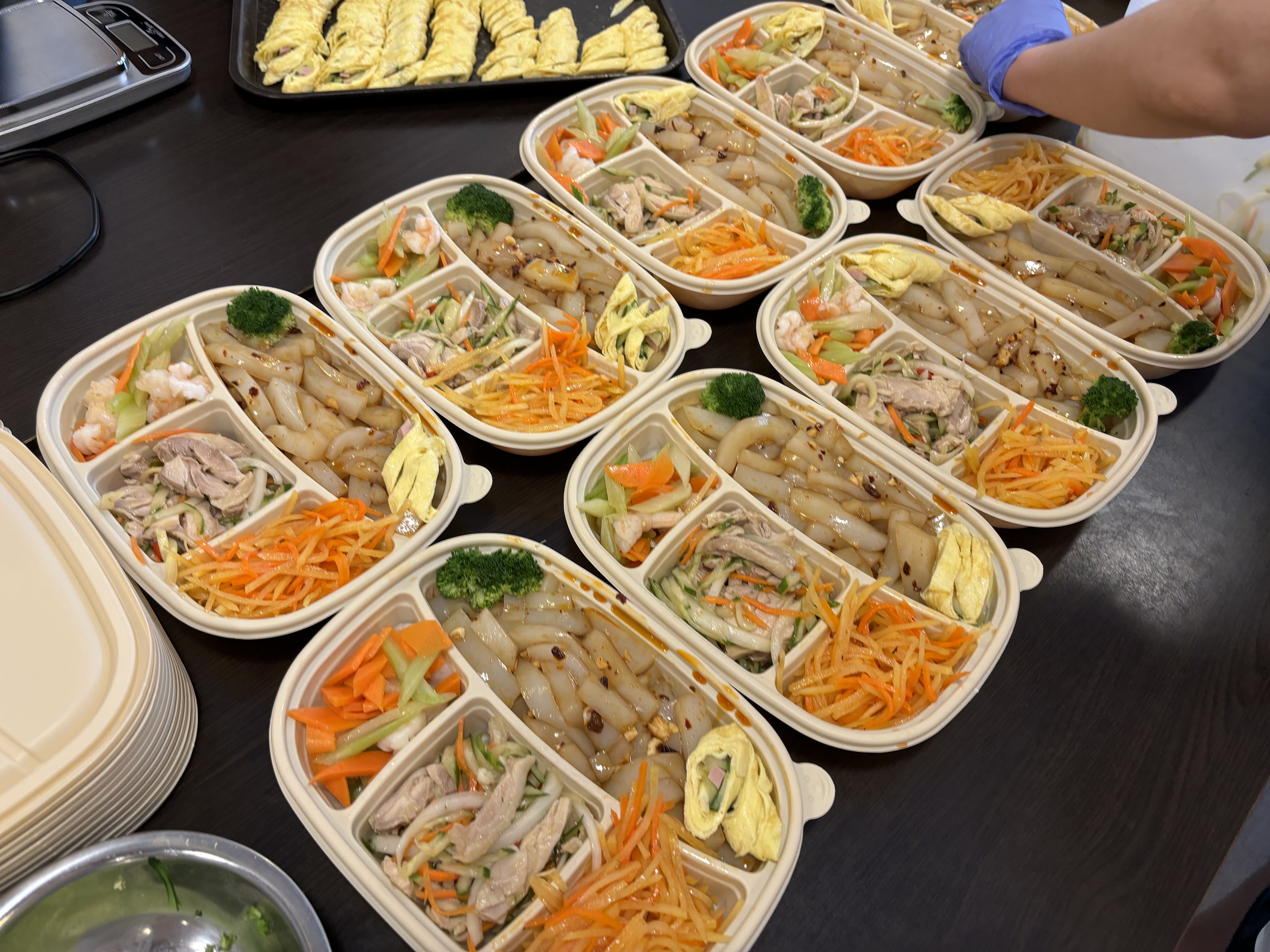
Recent Meal Samples
You can view the menu for the most recent 1-4 weeks in the MealBets App.
The menu will be dynamically adjusted based on user feedback, seasonal fresh ingredients and their nutritional value.
Below are just a few items from our regular delivery menu, to show some typical combinations.
All food is free from nuts, tree nuts, and shellfish
Sample Real Photos from School Meal Items